
Before AI reads itprotect your privacy
Wenyin is a document redaction tool built for Mac.Detect, review, and replace sensitive information, then hand the file to AI.
For MacApple silicon · macOS 12 or later
The screen below is the single-document review view in the Wenyin development build: a fictional civil complaint with 22 items detected for review. View a real screenshot
How Wenyin processes a document that contains sensitive information (website scroll demo)
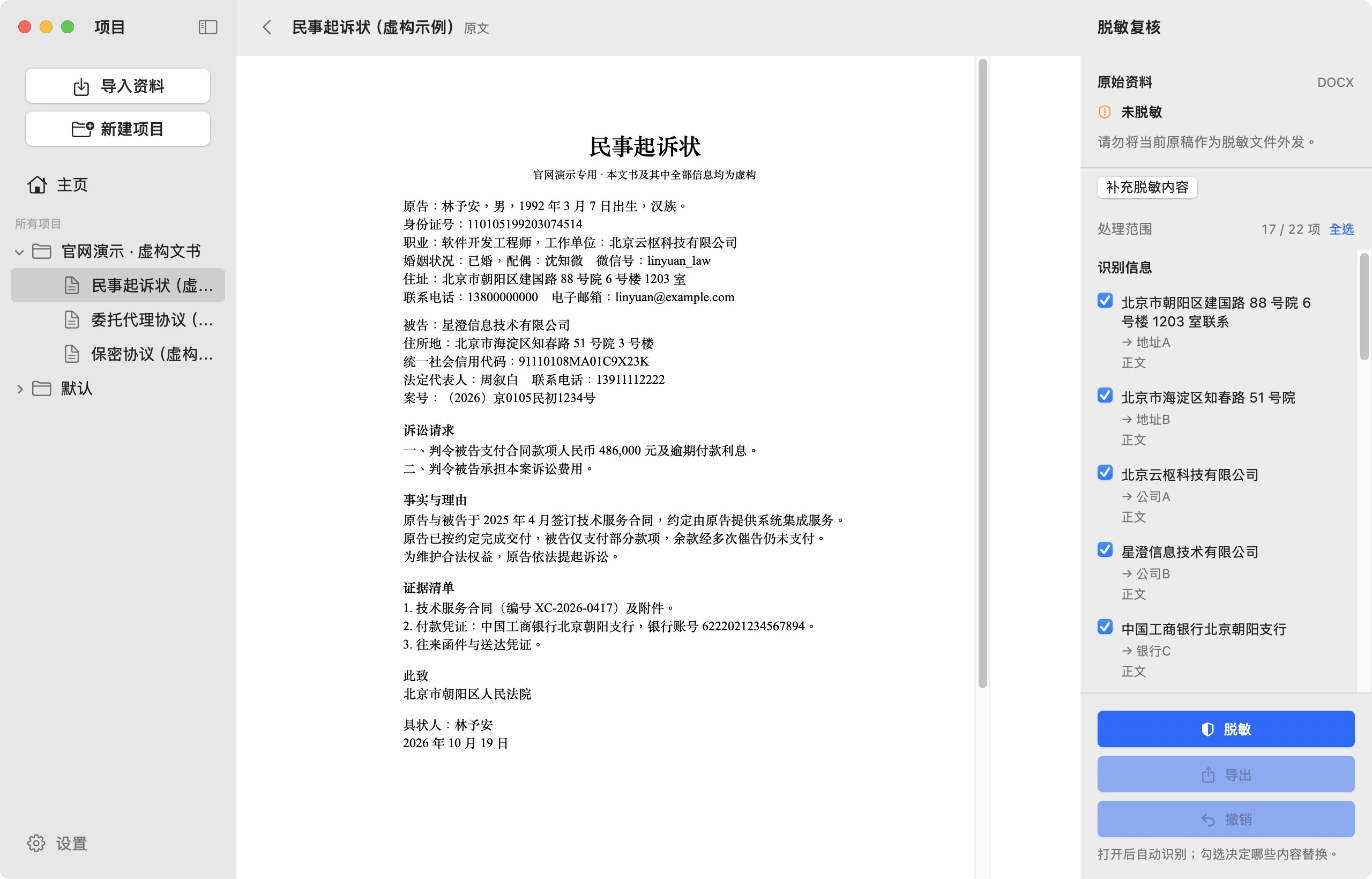
The full animation requires browser scripts and permission to play motion effects. A real screenshot is shown here, and the text below explains the process.
Start with a document
The interface is from the Wenyin development build. This is a fictional civil complaint; its names, phone numbers, and addresses are not real.
Find sensitive information, item by item.
Names, phone numbers, ID numbers, addresses, case numbers, unified social credit codes, and bank account numbers are located in the original text, while the rest of the document stays unchanged. Detection can miss or misidentify items; you decide.
You decide every replacement.
The review pane lists the original text and its replacement: 17 of the 22 items are checked by default; you decide the rest.
You decide every replacement.
- Lin Yu'anName A
- 13800000000Phone A
- 110105199203074514ID A
- 88 Jianguo Road, Chaoyang District, BeijingAddress A
- Xingcheng Information Technology Co., Ltd.Company B
Replacement happens in the document
Selected content is replaced item by item with placeholder names, while the rest of the text and layout stay unchanged. The original is not rewritten.
The original stays; the result can be checked
A redacted copy is generated separately, so you can compare and check it before exporting.
One document, from original to redacted copy
- Detect
Detect sensitive information in the document on your Mac, item by item.
Name · Phone · ID number · Address · Case number · Bank account - Review
The review pane lists the original text and the replacement; checkboxes set the range.
22 detected items · 17 checked by default - Replace
Selected content becomes a placeholder name; the original and the exported copy are saved separately.
→ Name A · → Phone A · → ID A · → Address A
The text above is a description. The full animation is the site's scroll demo: camera moves, highlights, and particles are rendered by the web page, not the actual interaction animation of the Wenyin Mac app. The sample document and all information in it are fictional. Automatic detection can miss or misidentify items; review each item and check every exported file.
The camera moves, text highlights, and particle animation in the scroll demo are rendered by the web page to explain the process. The interface screenshots come from the Wenyin development build, and the sample document and all information in it are fictional. Automatic detection can miss or misidentify items; review each item and check every exported file.
Check every item
before you replace
Start from the original and confirm each sensitive item.
What to keep and what to replace is your decision.
Import a document
Add the document to a project and keep the imported copy. The original file is not rewritten.
Detect and review
Detect sensitive information on your Mac, check the candidates, remove false positives, and add anything missed.
Replace and export
Create a copy based on your review. Check the text and layout, then export it for delivery.

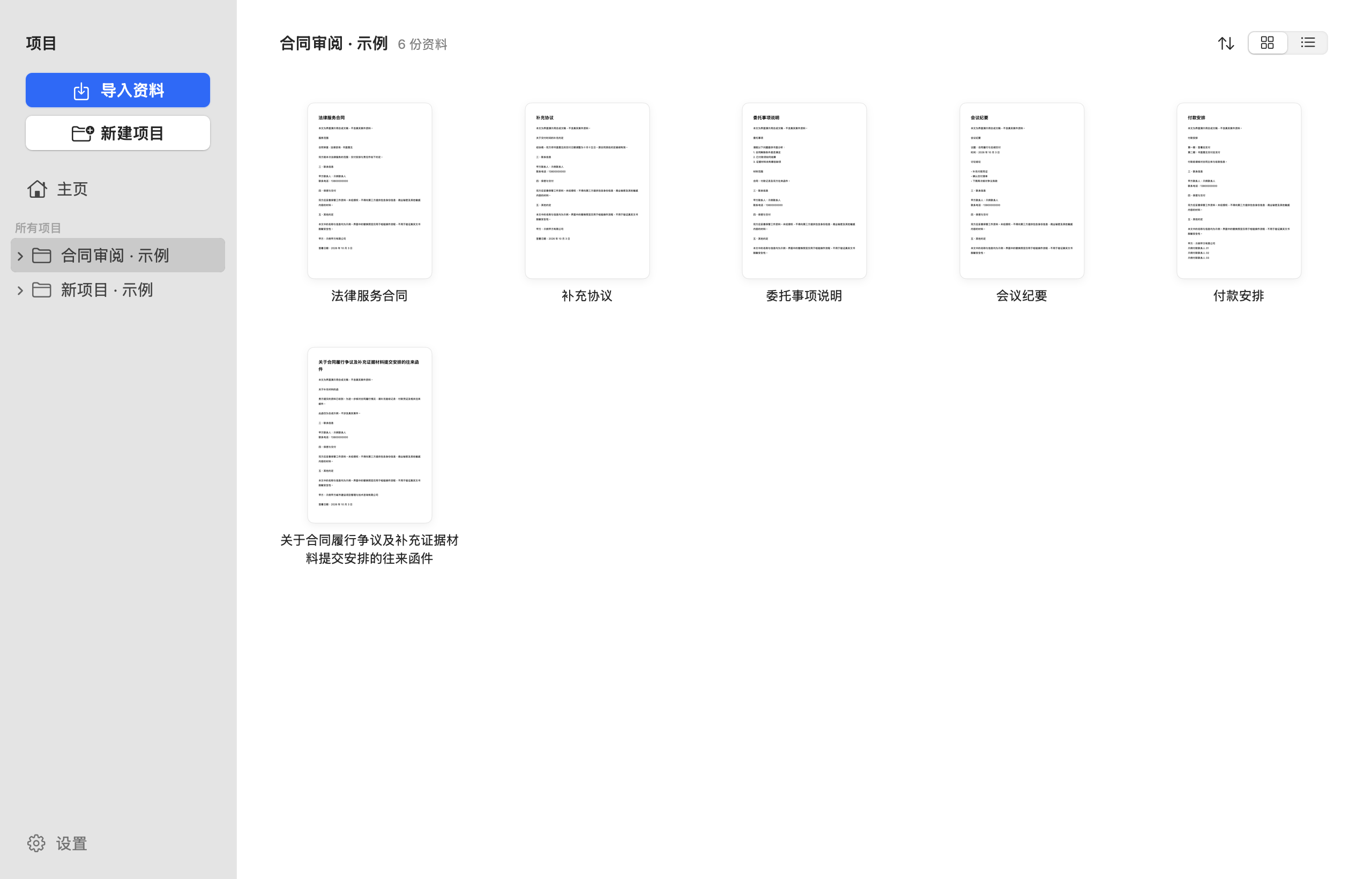
Automatic detection can miss or misidentify items. Review each item and check every exported file.
Processing stays
on your Mac
Protect your privacy
without uploading first.
- Detection and processing on your Mac
- Detection, review, and replacement of documents happen on your Mac. No cloud document recognition service is called.
- Originals and copies stay separate
- Imports and exports each have a copy. Processing one document does not delete originals or backups stored elsewhere.
- You decide whether to use AI
- After checking the exported file, decide whether to share it with an external AI. Wenyin does not send documents on your behalf.
Software updates require an internet connection. Processing documents on your Mac and downloading or updating the app are two separate things.
Start with everyday documents
The current focus is Word documents and text PDFs.
Different file structures and layouts need separate checks.
- Word documents .docx
- Handles sensitive text in the document. Documents with images, embedded objects, or complex hidden content need a separate check.
- Text PDF
- Continuously adapted to different fonts, encodings, and layouts. Check the result; a preview alone cannot show that information has been fully removed.
Scanned files, mixed PDFs, and more formats are not covered by the current full-support commitment. Specific capabilities are described in the release notes for the downloaded version.
Before you start
know the limits
Scope and limits, stated plainly.
Are documents uploaded to a server?
Detection, review, and redaction happen on your Mac and are not uploaded to a cloud document recognition service. Software updates require an internet connection; handing an exported file to an external AI is a separate action that you initiate.
Will the original file be overwritten?
No. Wenyin keeps an imported copy, and the redacted result is kept separate from the original. Before delivering a file, make sure you export the redacted copy you have checked.
Do I still need to check results manually?
Yes. Automatic detection can miss or misidentify items. Check the candidates, add anything missed, and review the content and layout of each export.
Can it handle scanned documents?
Complete support for scanned files and mixed PDFs is not promised at this time. Check the release notes for the specific version, and do not treat capabilities still in development as shipped.
Does it cost money?
Final pricing has not been determined. This website does not offer a payment page at this time; trial and license terms are subject to the release notes for the specific version.
Join the group chats
Beta progress, usage questions, and discussions about working with AI all happen in the groups.
-

Wenyin beta group
Installer versions, trial slots, and feedback.
-

AI discussion group
Group name DeepThinking: discussions about document workflows and working with AI.
WeChat group QR codes are valid for 7 days (this batch until October 26). If a code has expired, remind us to update it, or download the app and try it first.
Process your next document
on your Mac first
A document redaction tool built for Mac.
Download for MacPublic beta · Apple silicon · macOS 12 or later